jrJustin Ramedia

W01 · The Foundry

World 01 — The Foundry · Build 03/04

SuiteGig

Project management that manages itself

Managing tasks shouldn’t be hard. SuiteGig used AI-powered workflows to do the managing so teams could do the work. I founded it in Tampa in 2018 and, as CEO, built and scaled the product, the design system and the go-to-market strategy. It was acquired.
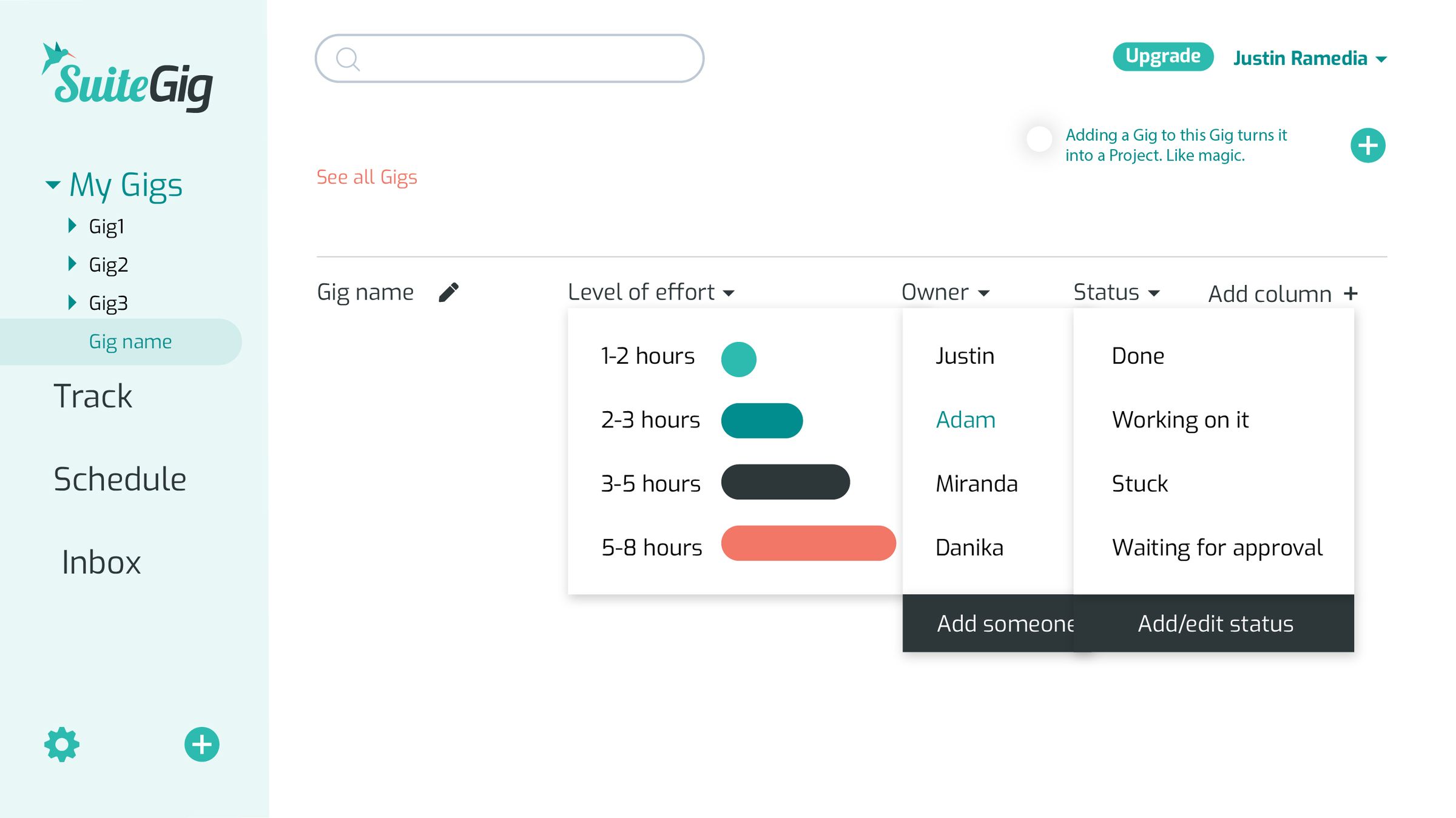
SuiteGig app design: gig table with level-of-effort and status dropdowns
My role
Founder & CEO · Tampa, 2018
What I made
Product UX/UI, onboarding and motion specs, design system, marketing site, pricing and investor pages, go-to-market
Outcome
Acquired

01 — The comps

Designed for working teams.

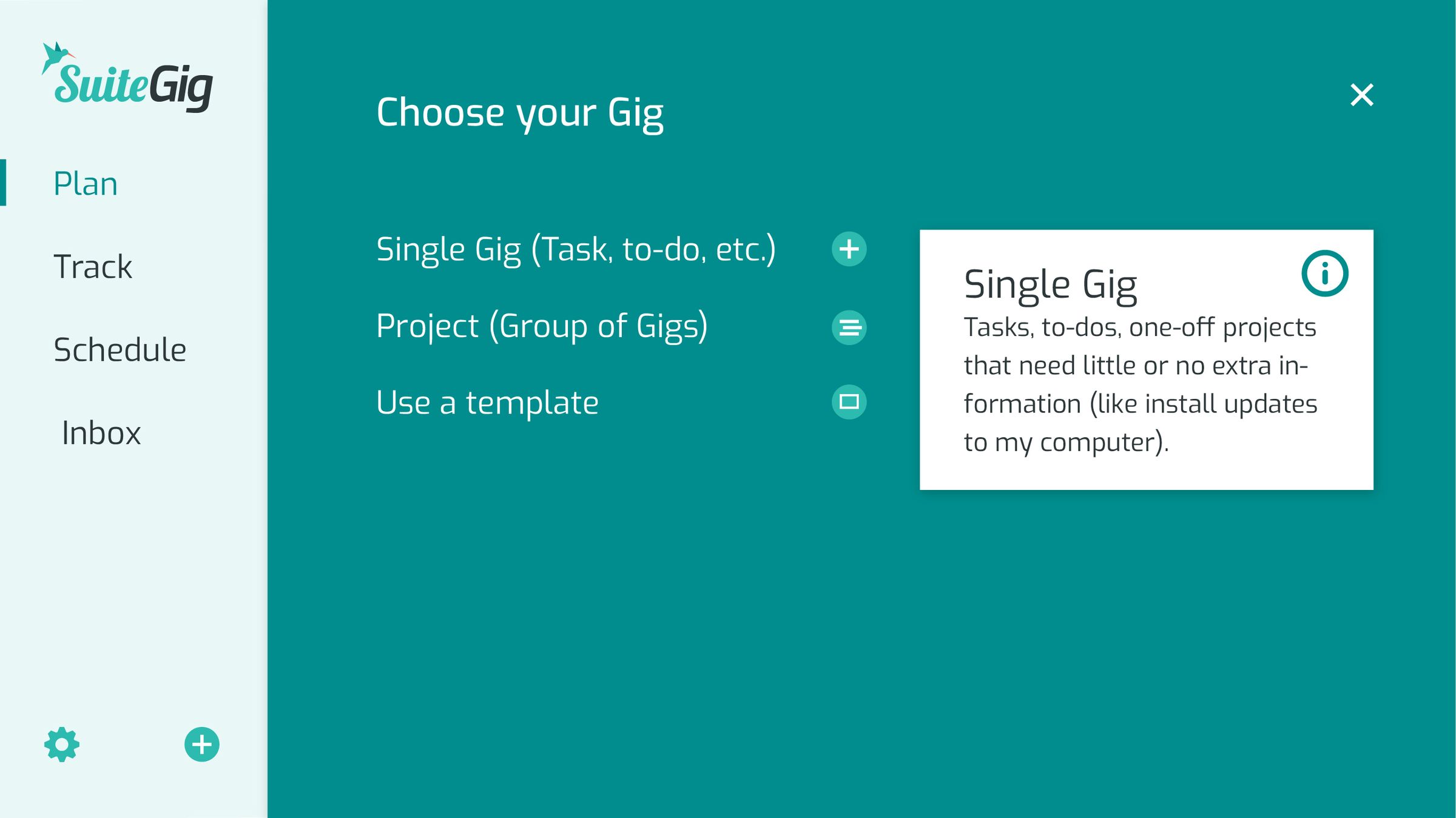
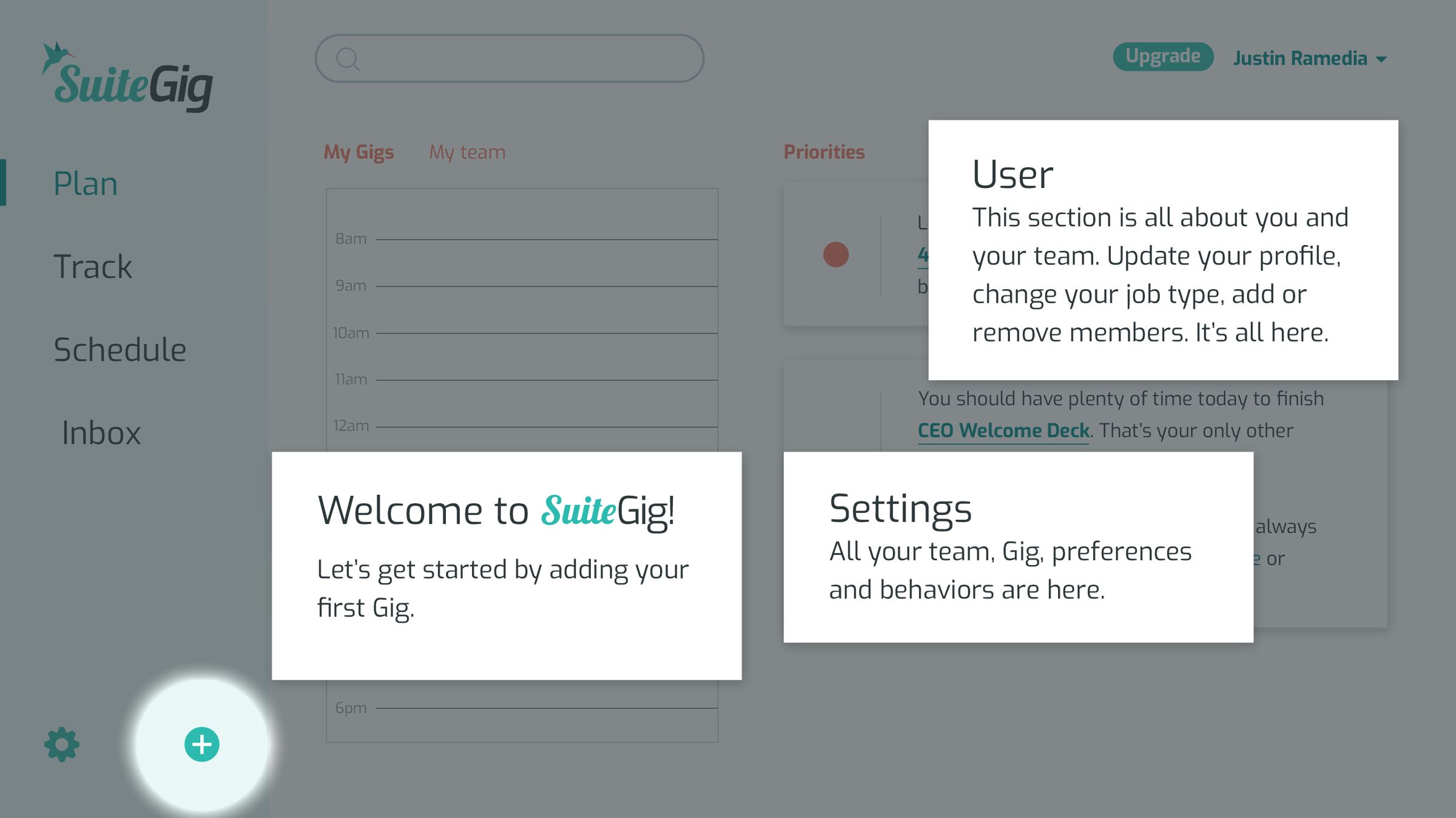
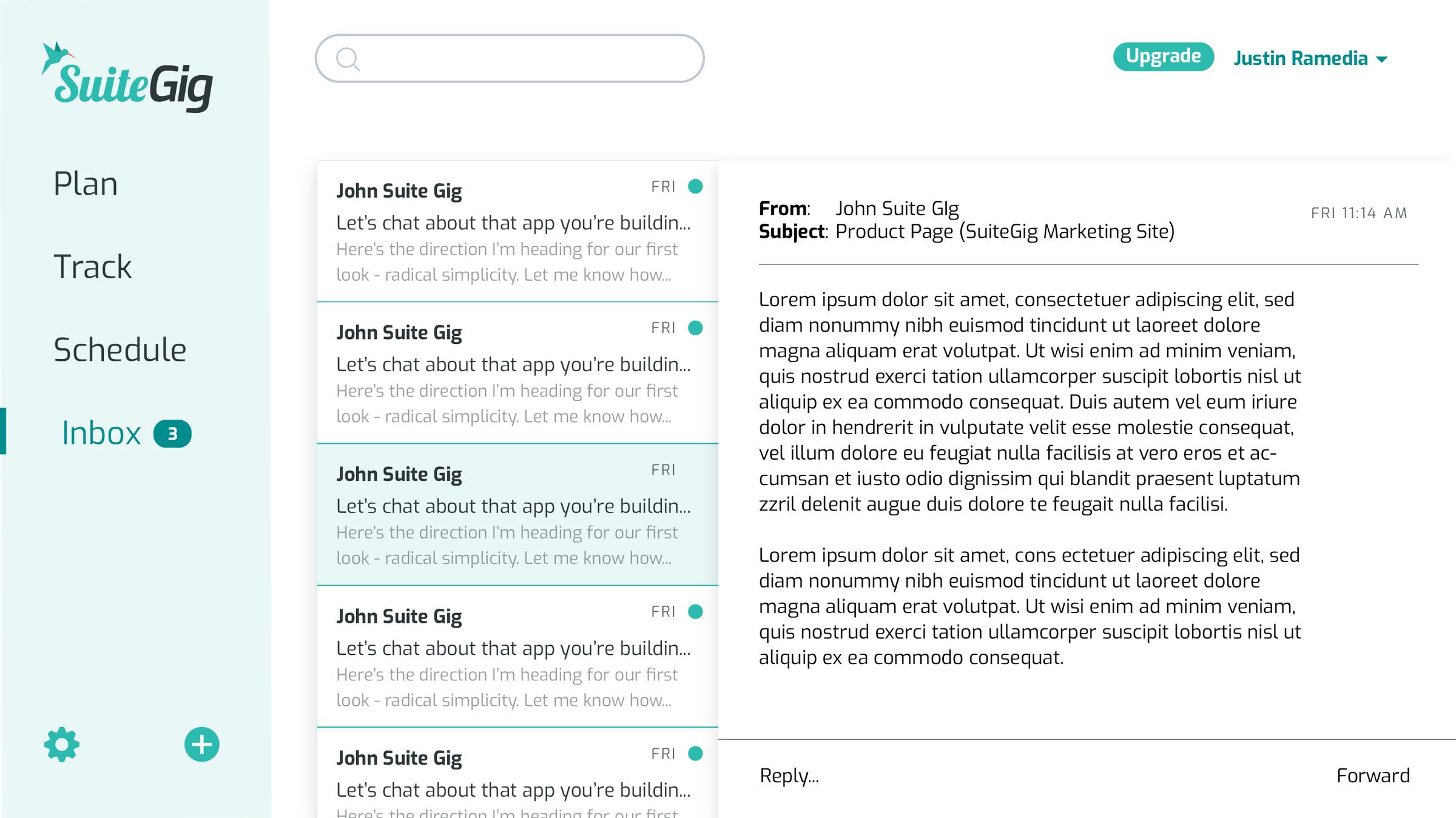
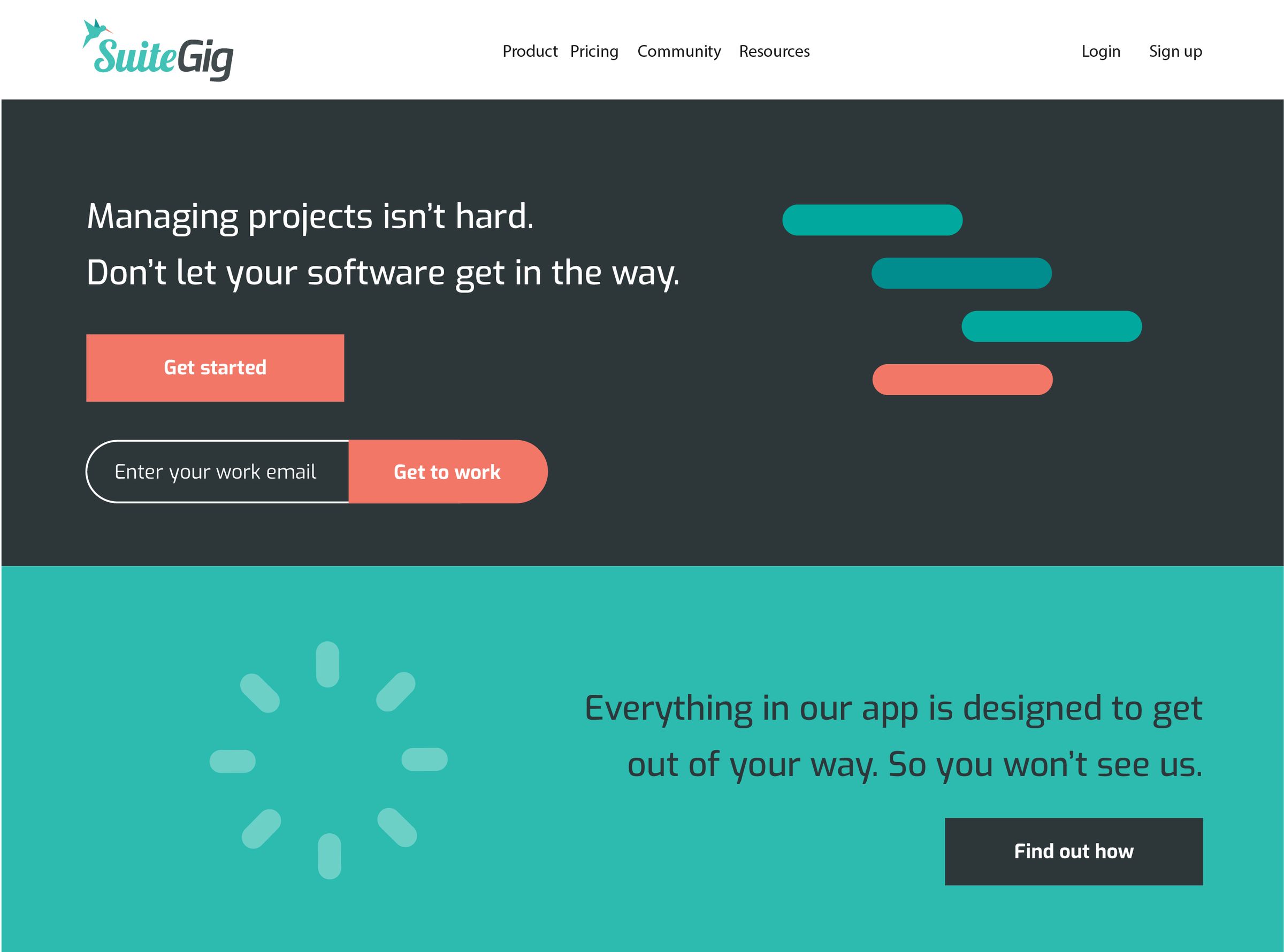
My original app design: the team dashboard, the gig table with its level-of-effort and status dropdowns, the gig picker, a welcome tour that teaches the app in four cards, the inbox, and the marketing home.
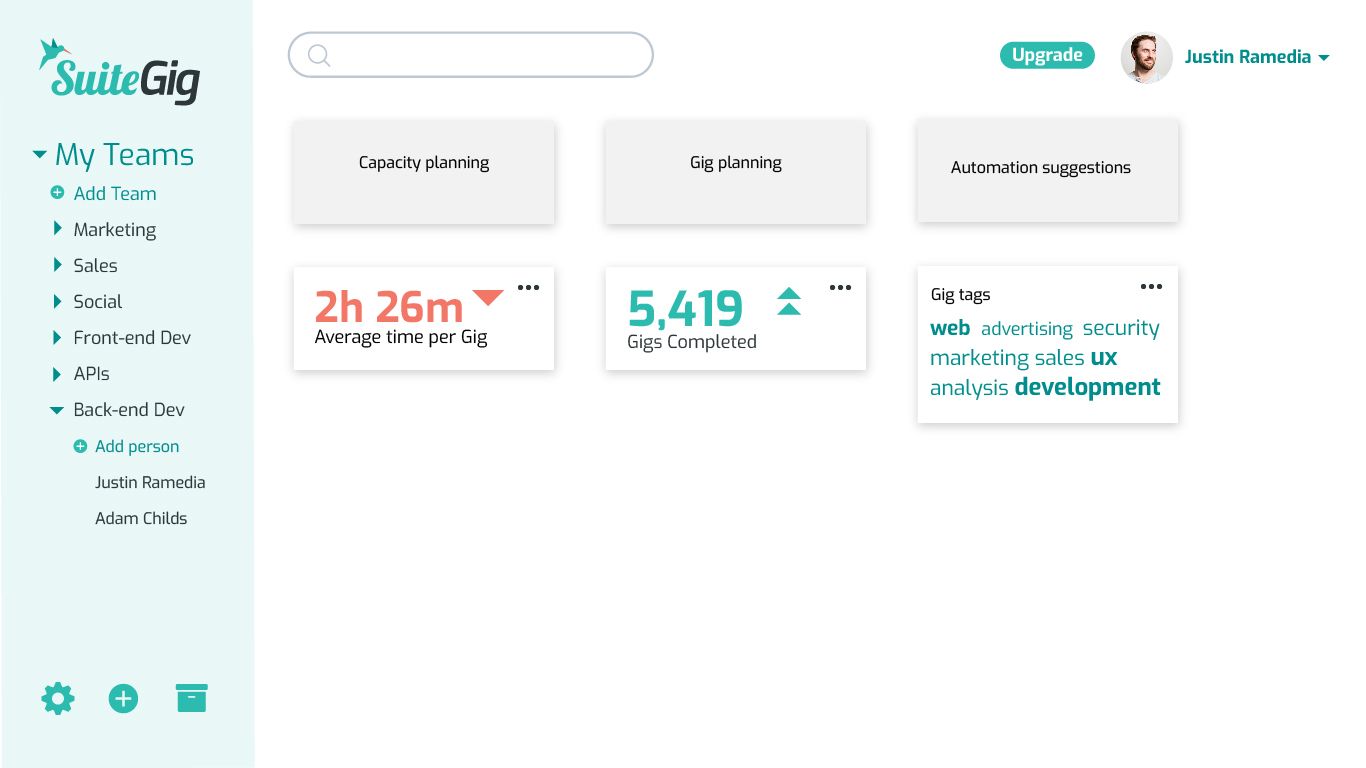
Team dashboard — Capacity, gigs completed, suggestions
Team dashboardCapacity, gigs completed, suggestions
The gig table — Level of effort + status dropdowns
The gig tableLevel of effort + status dropdowns
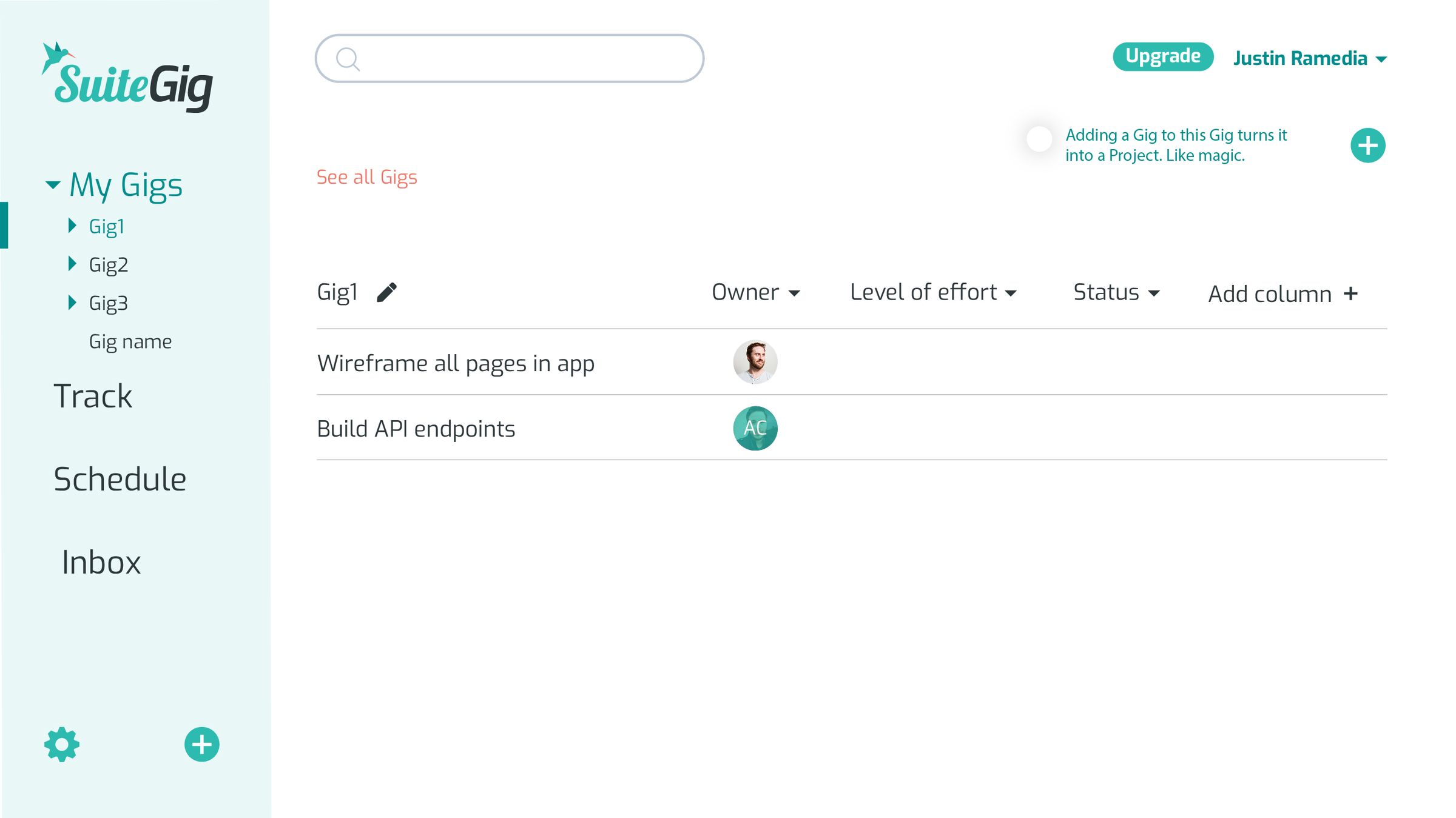
Gig list — Owners, effort, status, add column
Gig listOwners, effort, status, add column
Choose your Gig — Single gig, project, or template
Choose your GigSingle gig, project, or template
Welcome tour — The app explains itself
Welcome tourThe app explains itself
Inbox — Every gig conversation in one place
InboxEvery gig conversation in one place
Marketing home — Managing projects isn’t hard
Marketing homeManaging projects isn’t hard

02 — Motion, specced

Who are you?

Onboarding asks one question, then tunes the whole app to your job. I specced the motion as well as the screen: the logo slides into the sidebar as the app loads, and the boxes slide down and fade out.
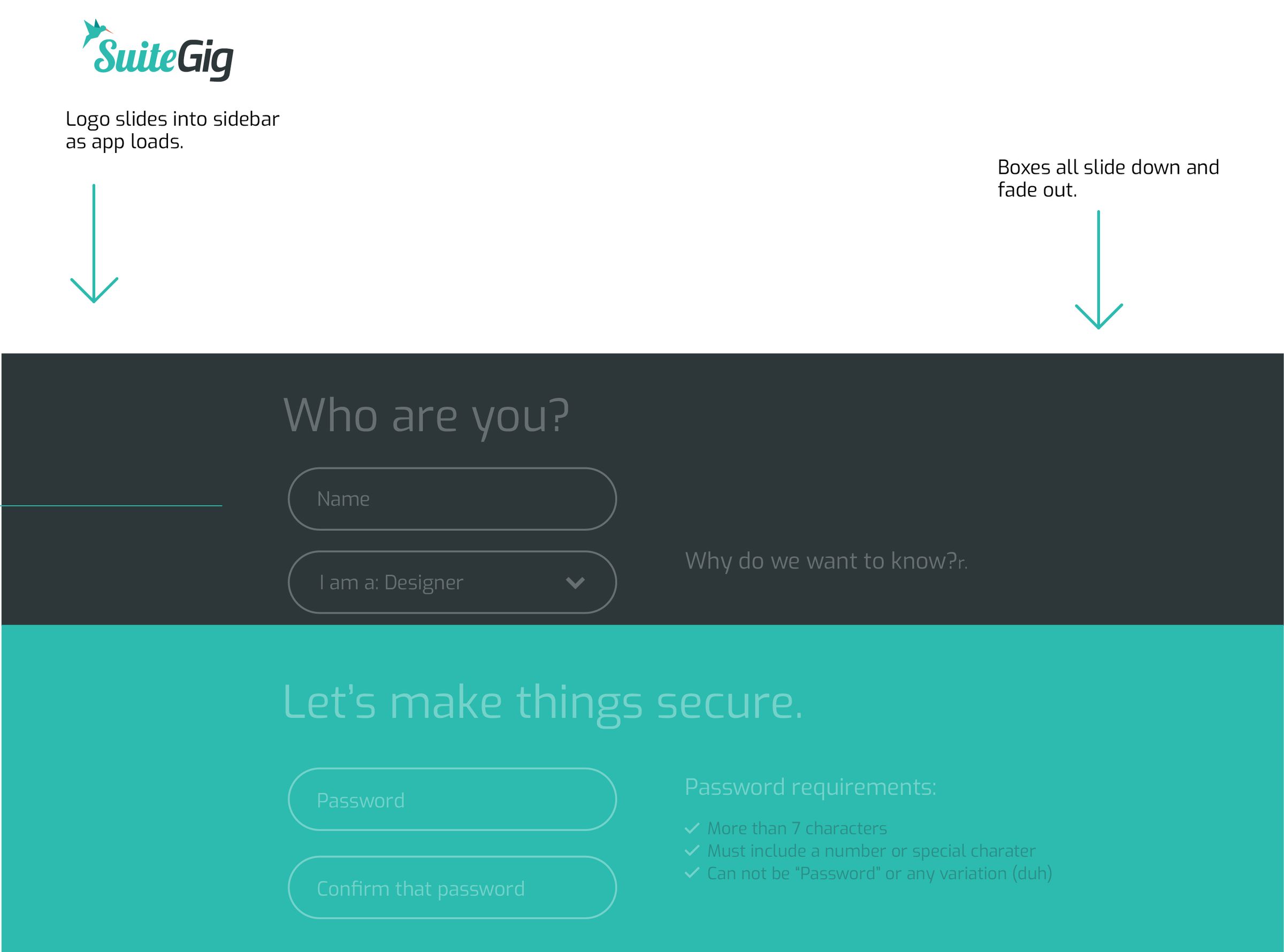
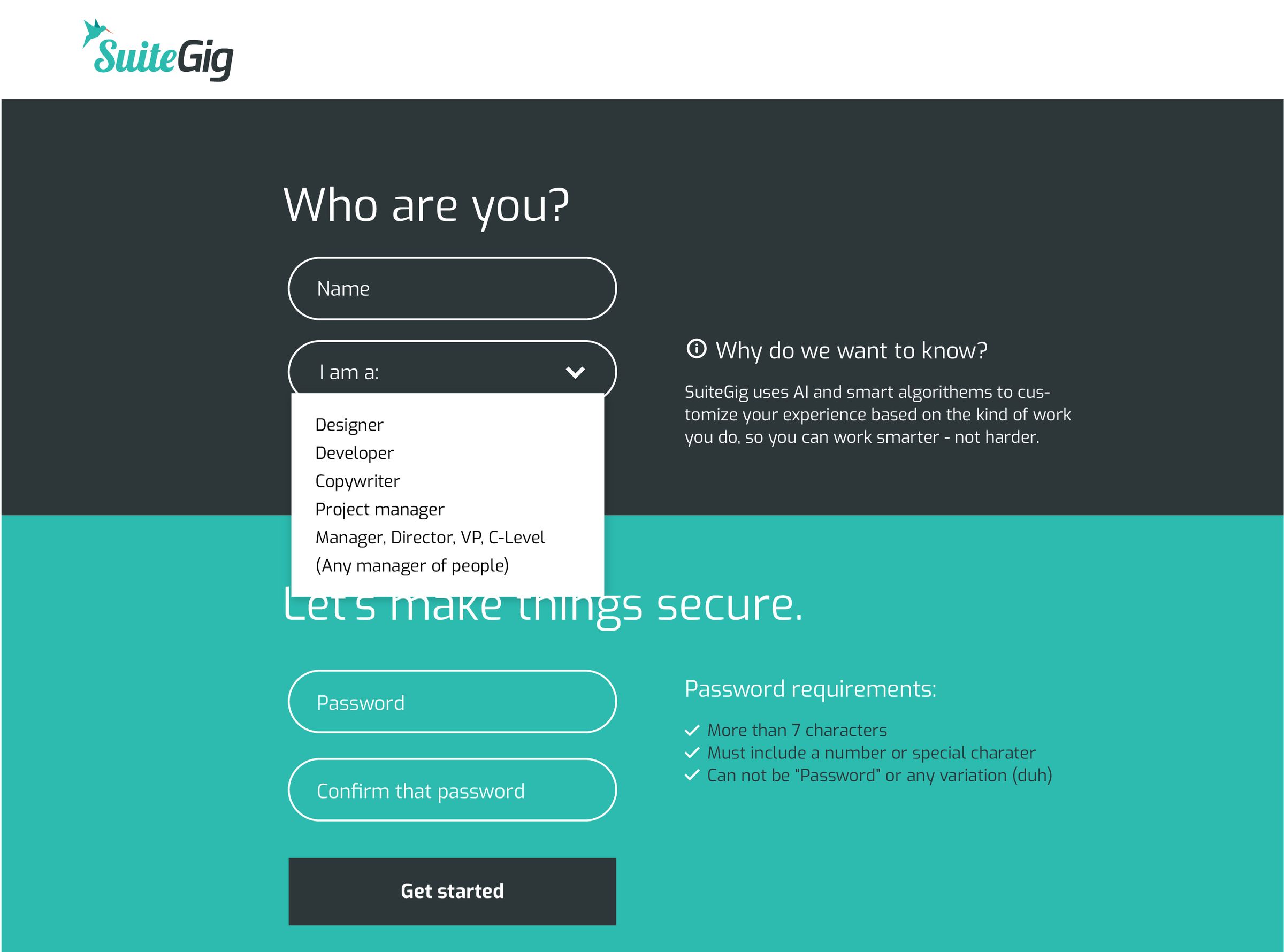
Motion annotation: “Logo slides into sidebar as app loads. Boxes all slide down and fade out.”
Spec Logo slides into the sidebar as the app loads; boxes slide down and fade out.
Onboarding screen: “Who are you?” with role dropdown and “Let’s make things secure.”
Screen “Who are you?” tunes the app to your job.

03 — The calendar

Month. Week. Agenda.

The schedule in motion: gigs land on the month, stack into the week with time logged against each, then drop into today’s agenda.

Silent, ~9 s loop · captured from the product

04 — The live build

Shipped, then brought back.

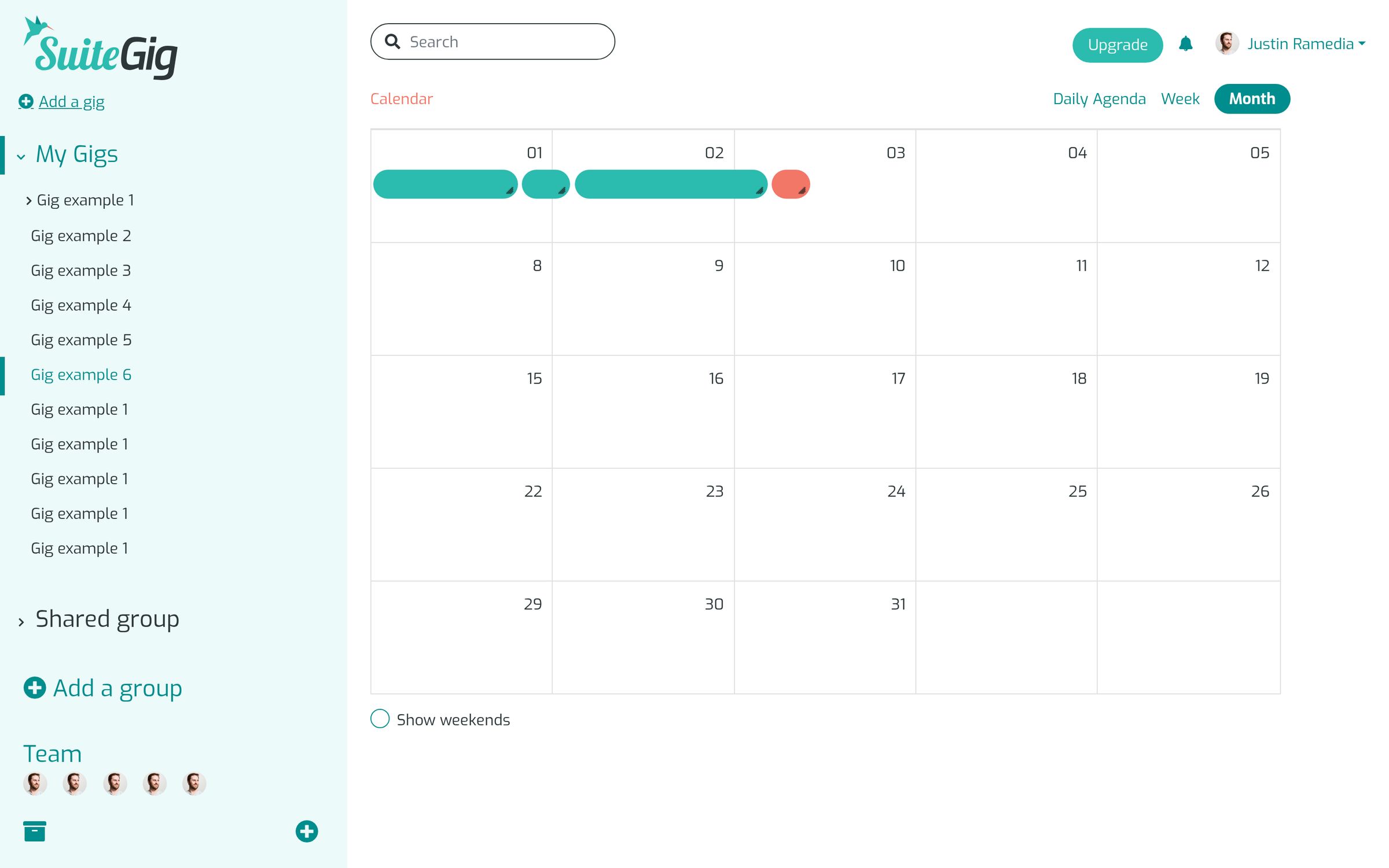
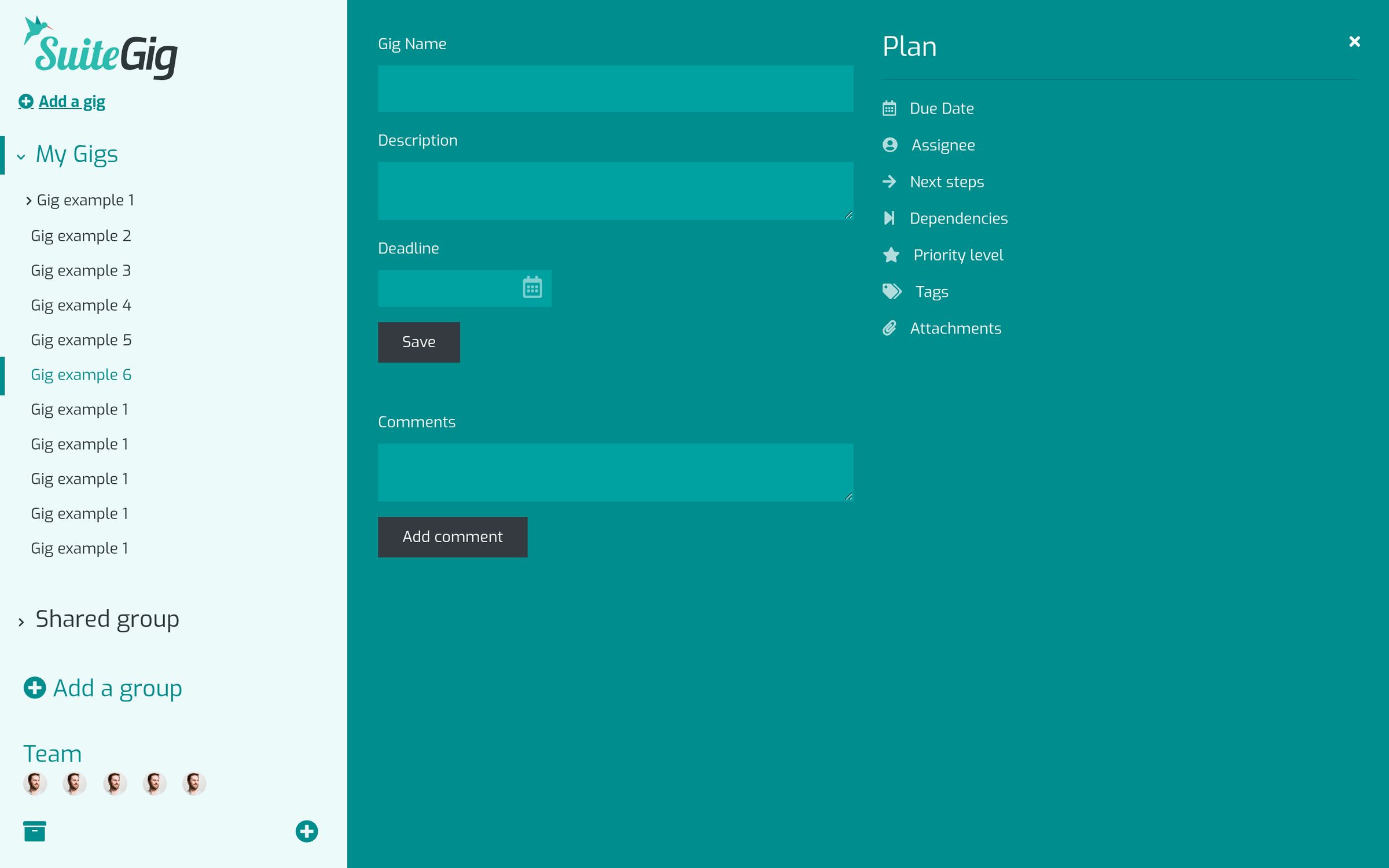
The production front end, restored from its original static build and running again: marketing home, pricing, investors, and the app itself (dashboard, inbox, schedule, new gig, welcome, upgrade).
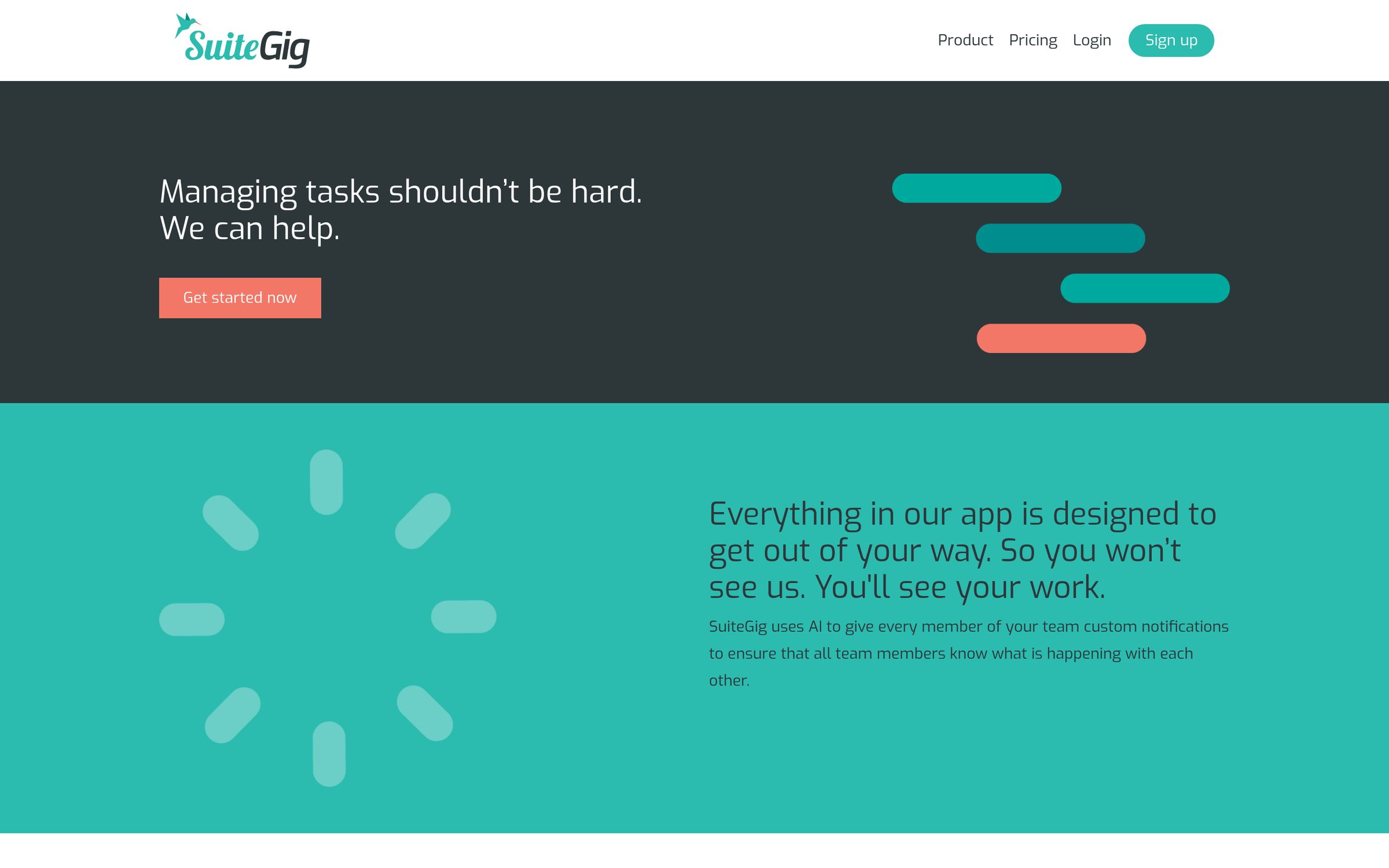
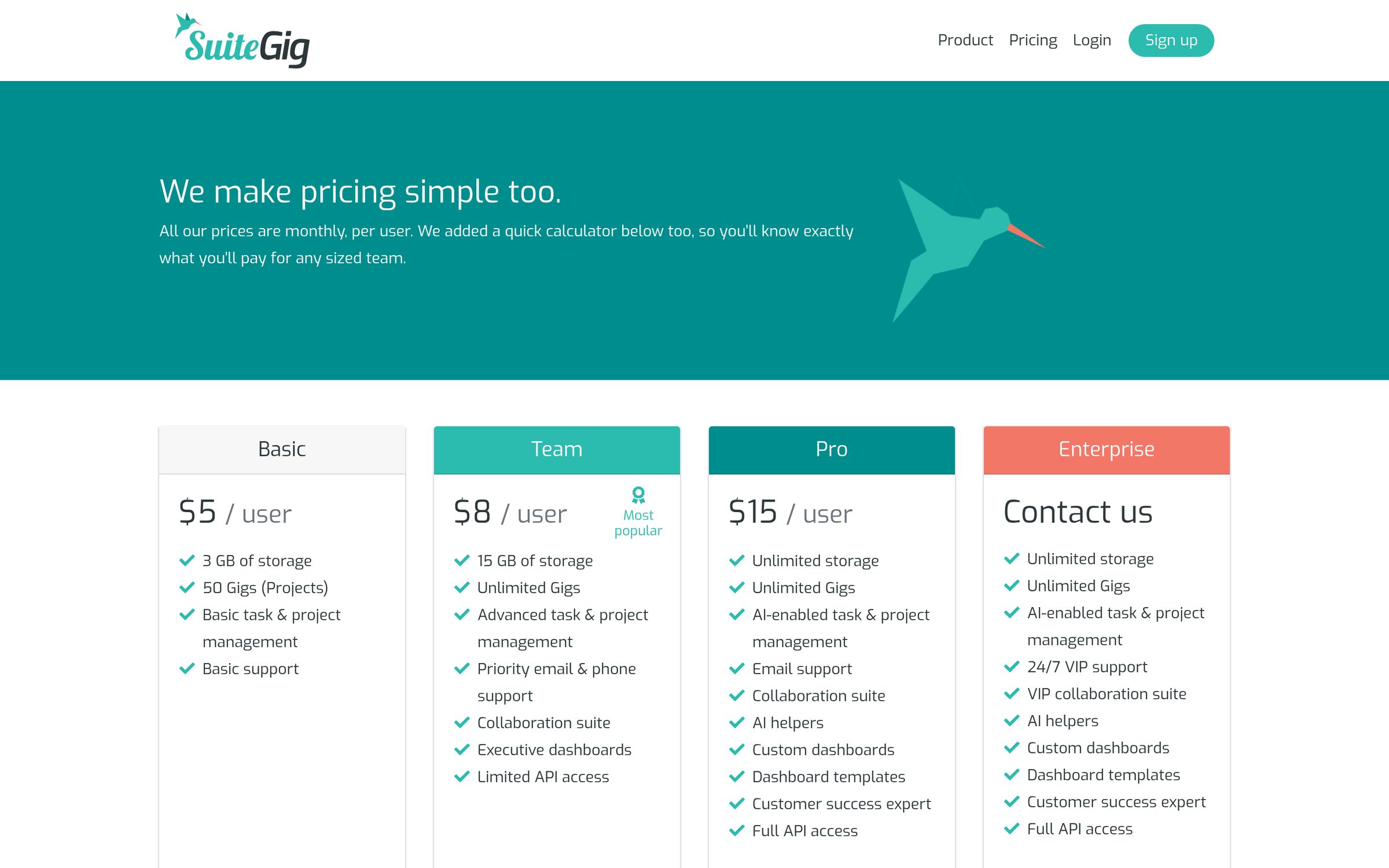
Home — Managing tasks shouldn’t be hard
HomeManaging tasks shouldn’t be hard
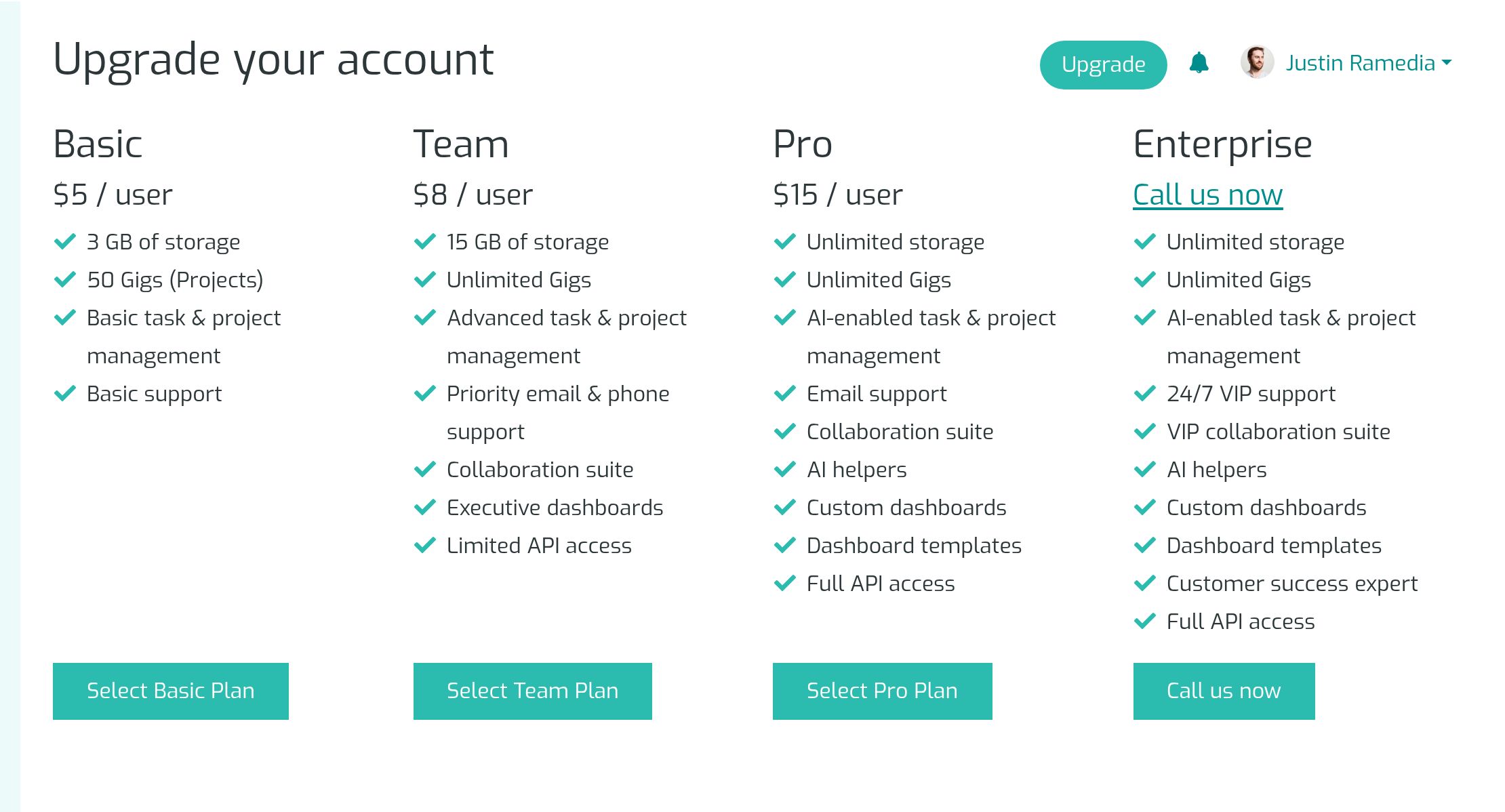
Pricing — Basic, Team, Pro, Enterprise
PricingBasic, Team, Pro, Enterprise
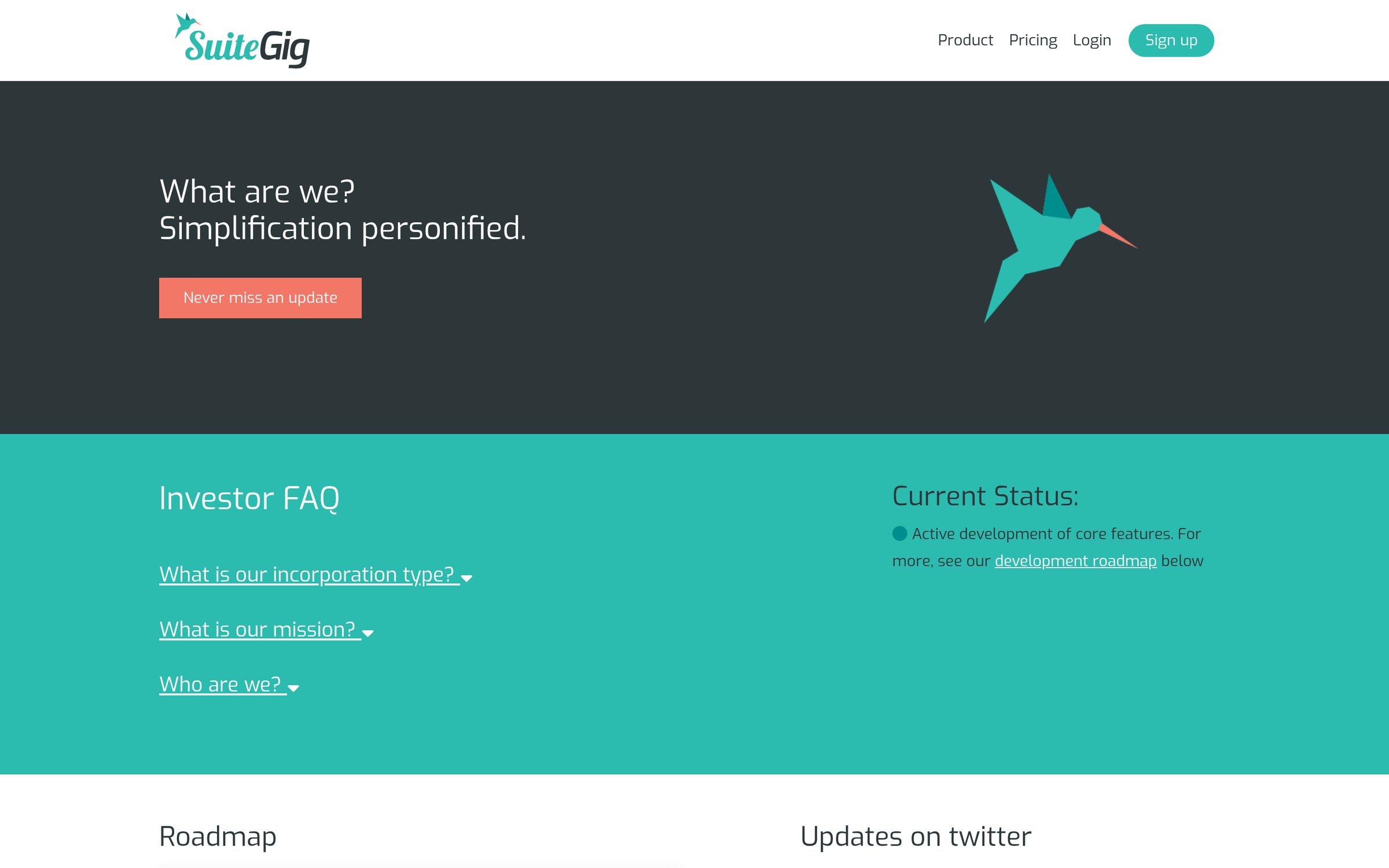
Investors — Simplification personified
InvestorsSimplification personified
App dashboard — Month view of every gig
App dashboardMonth view of every gig
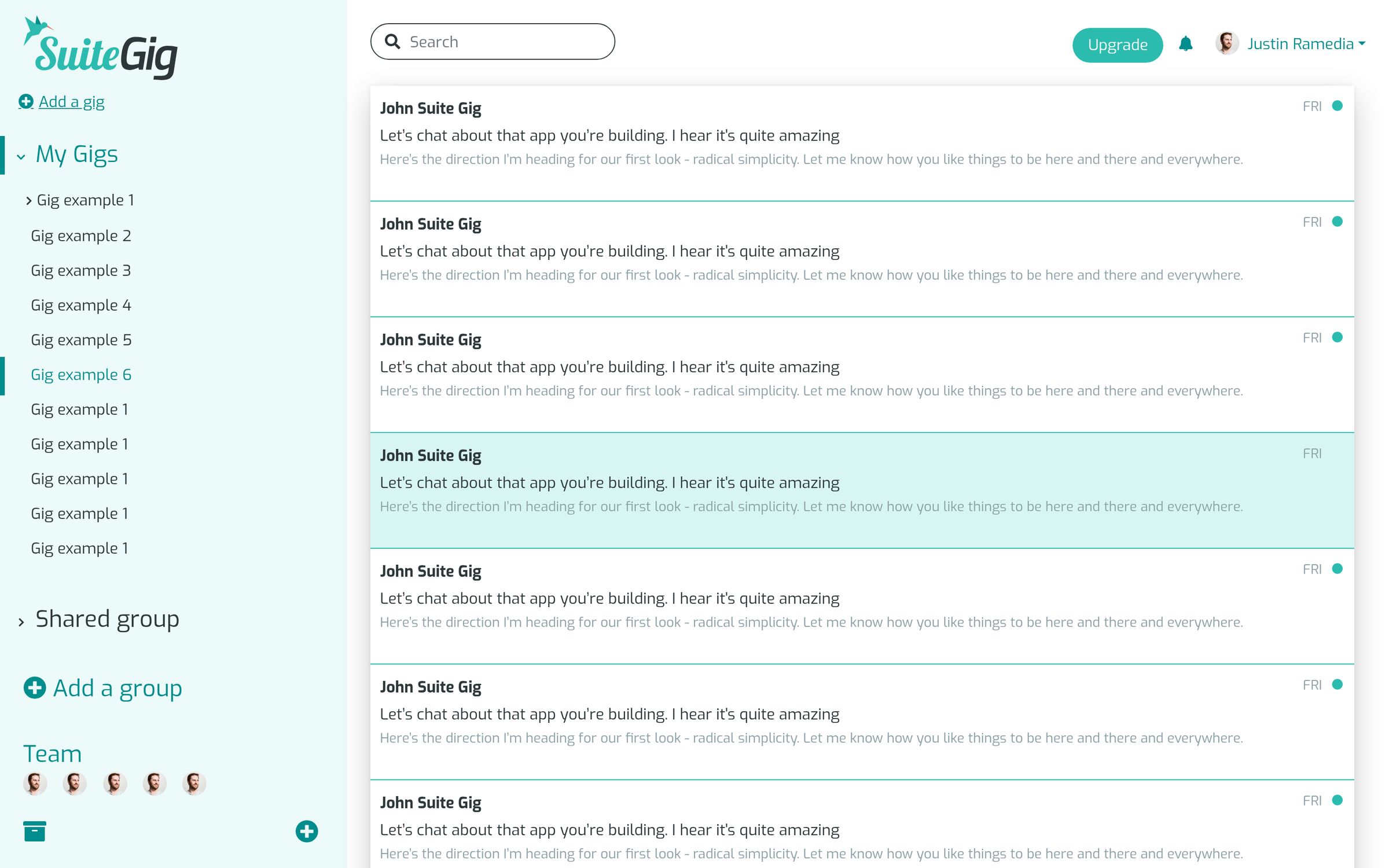
Inbox — Live build
InboxLive build
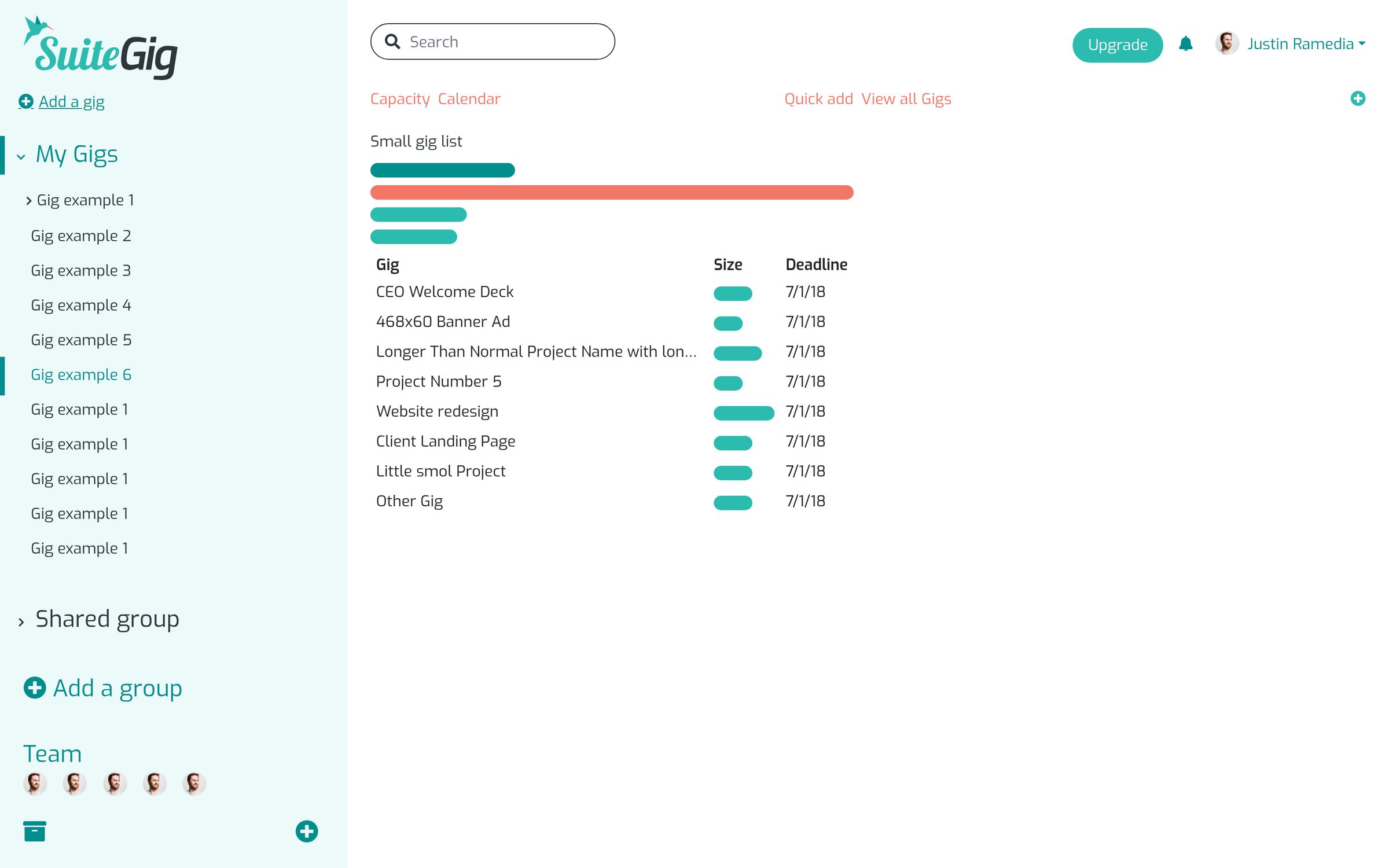
Schedule — Capacity and deadlines
ScheduleCapacity and deadlines
New gig — Plan panel
New gigPlan panel
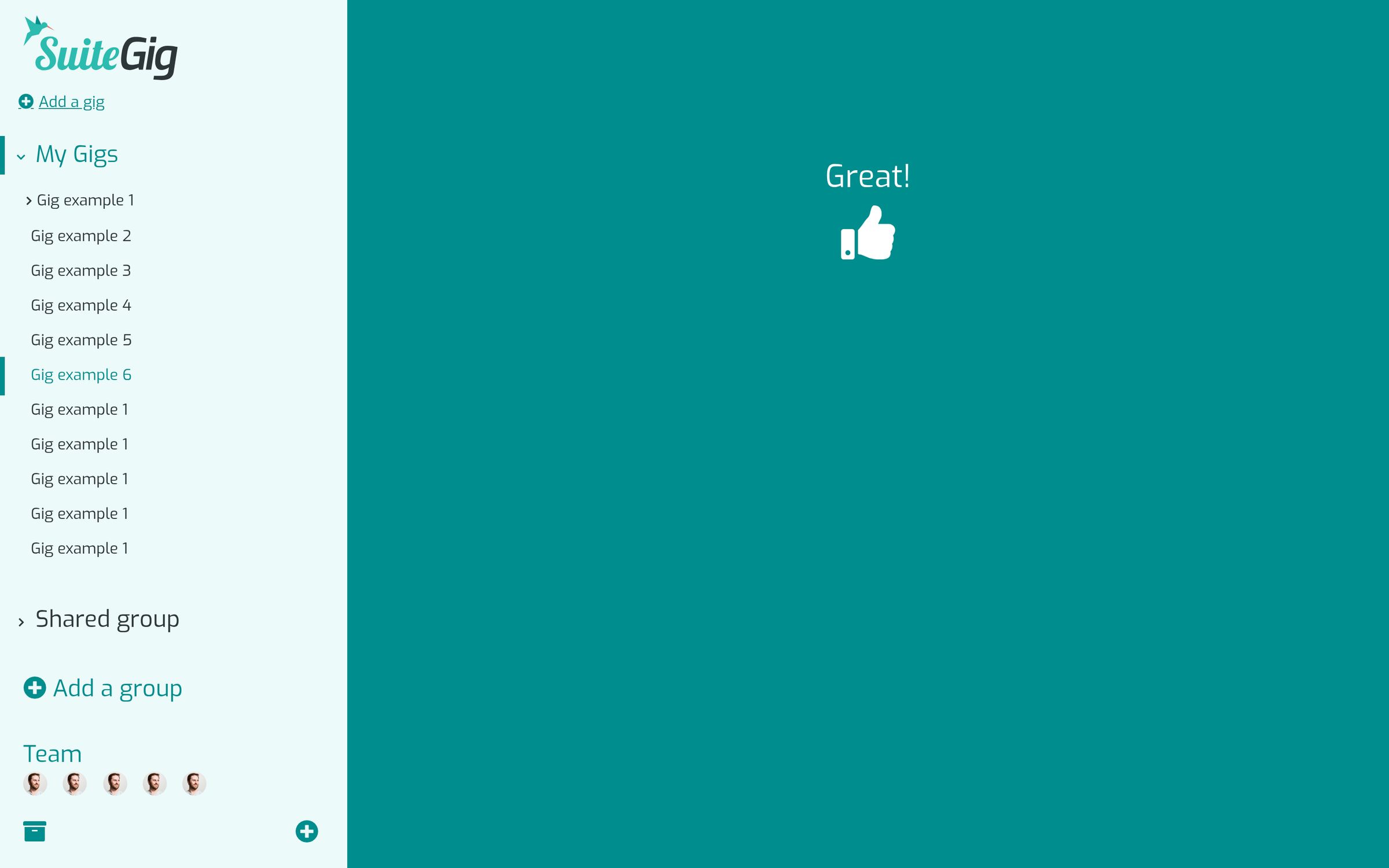
Welcome transition — Great!
Welcome transitionGreat!
Upgrade plans — In-app pricing
Upgrade plansIn-app pricing
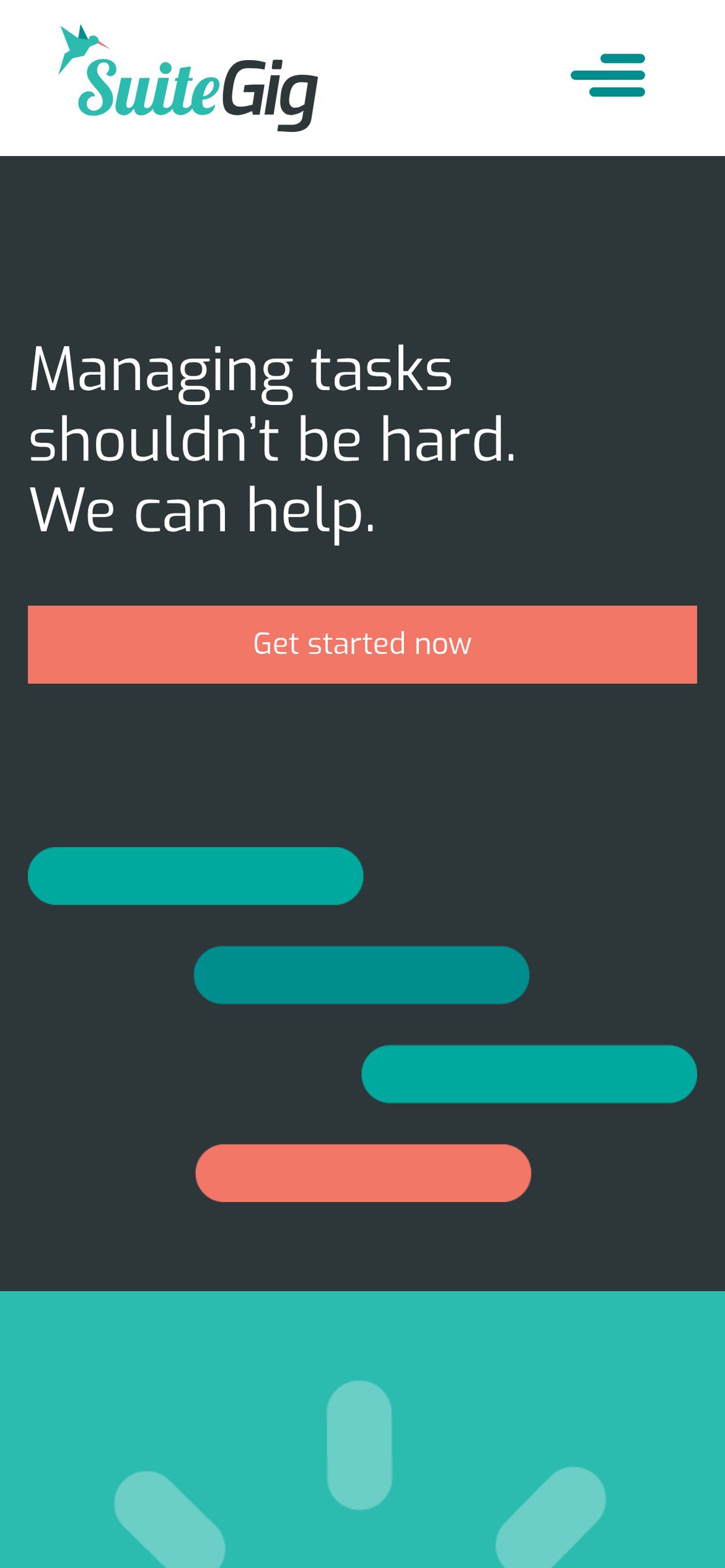
Phone: home — Live build, mobile
Phone: homeLive build, mobile